Debloat Android, no root.
Remove vendor apps over ADB, and put them back in one click.
Version 1.6.0, MIT licence. Needs ADB on the computer.
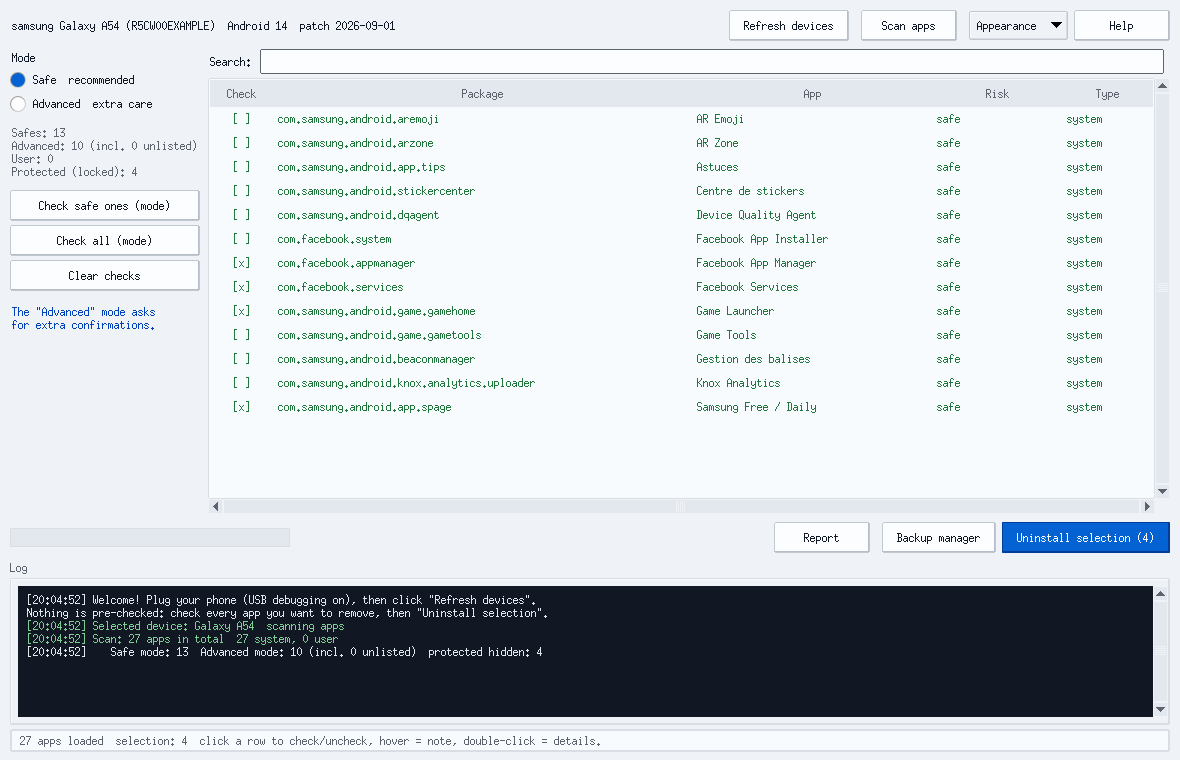
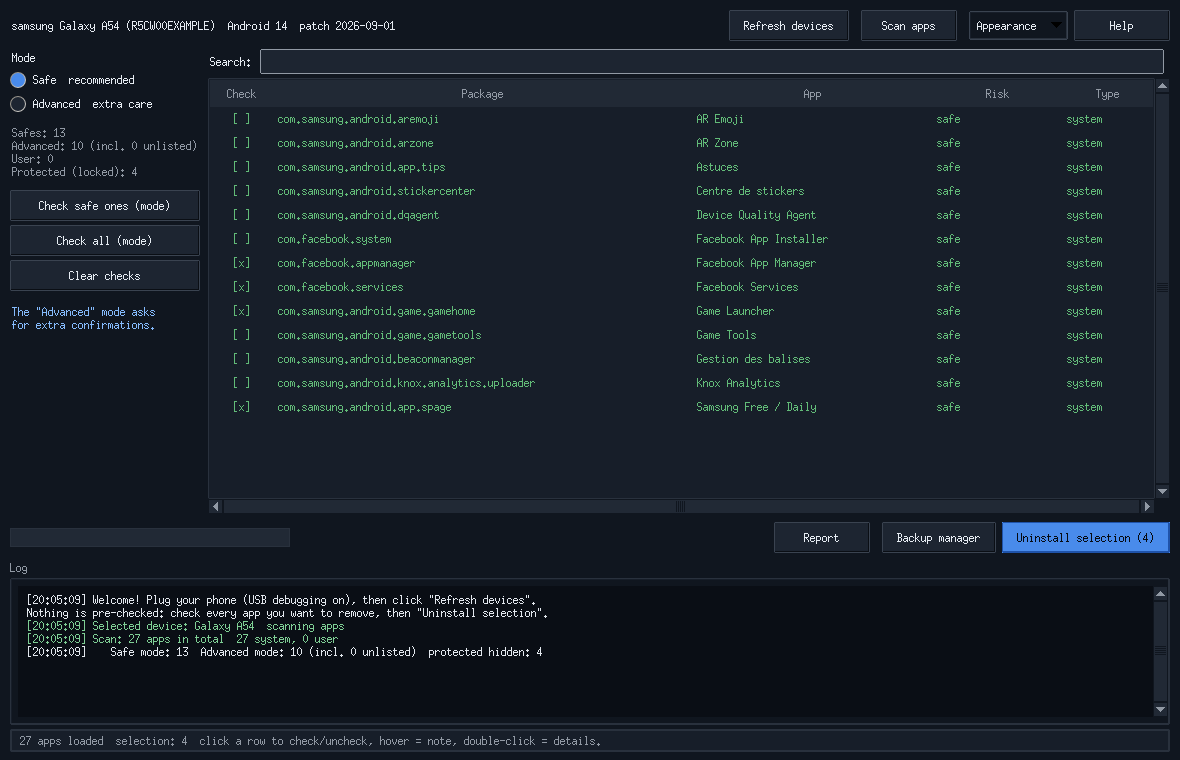
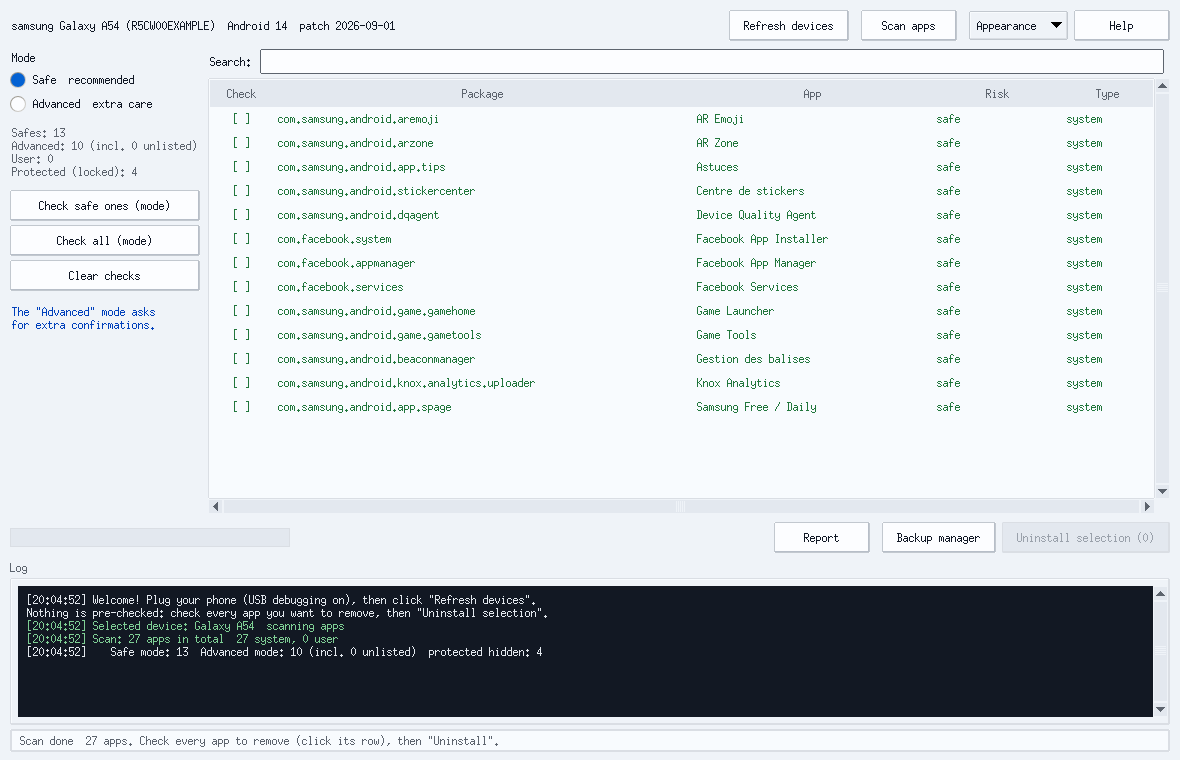
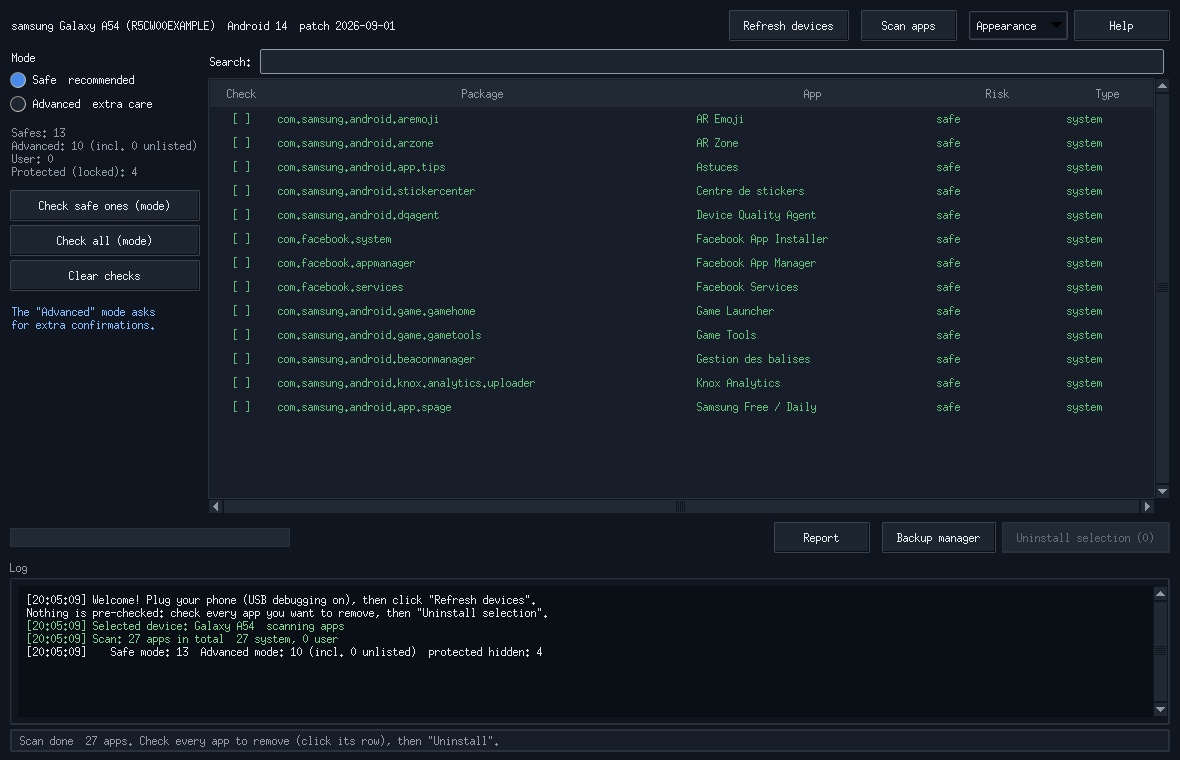
Nothing comes pre-checked
You check every app yourself. Vital OS components stay locked.
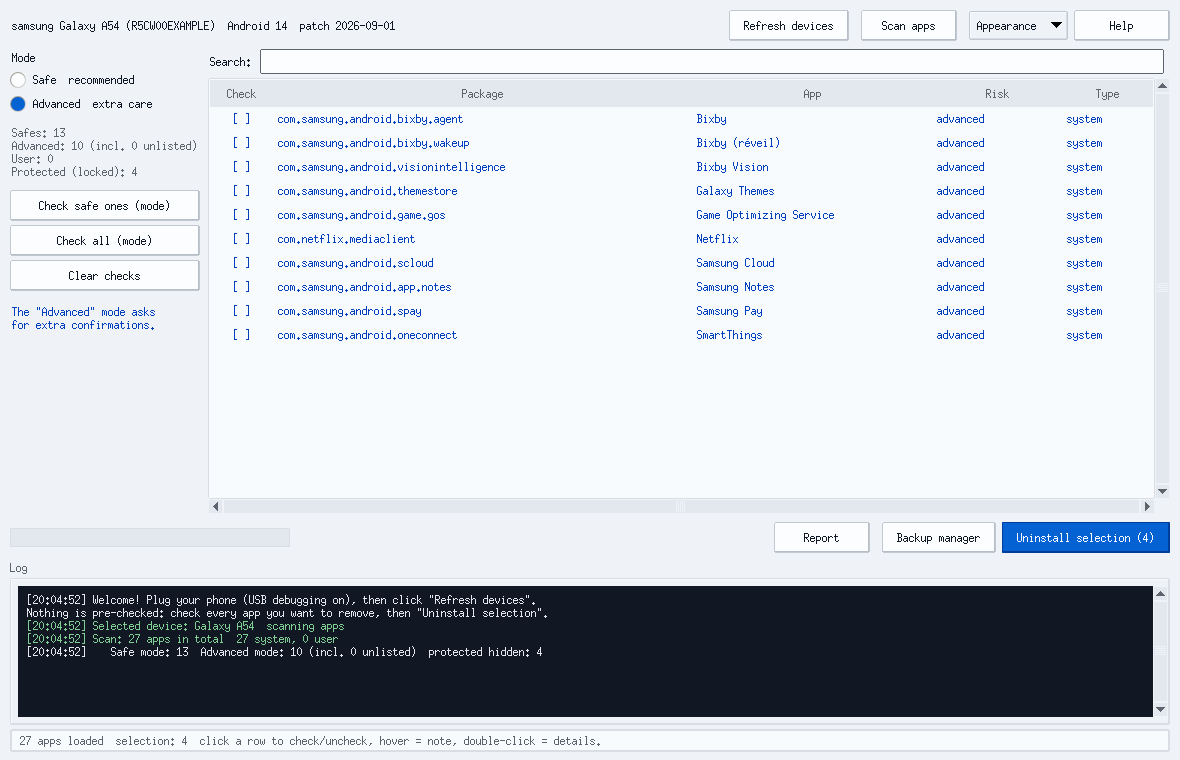
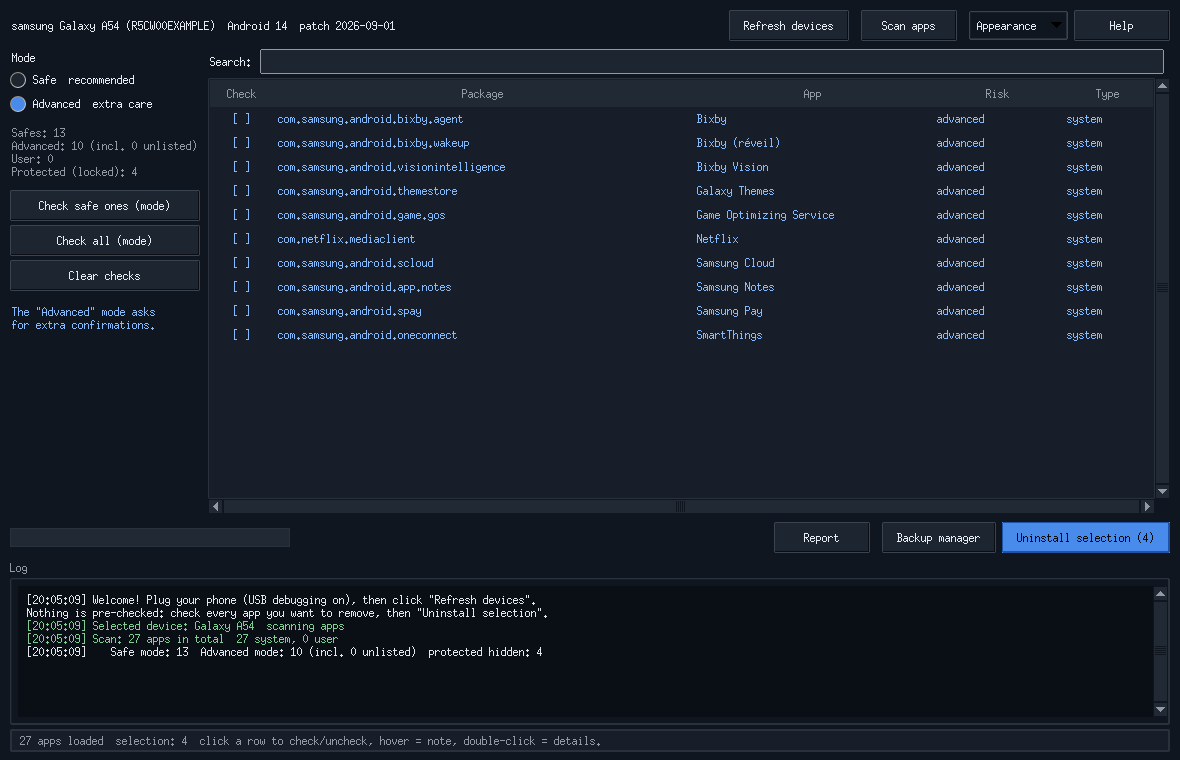
The CLI keeps the same guardrails
Same database, same refusals, same restore ledger. It answers in French.
debloat_cli.pyreal output, simulated phone$ python3 debloat_cli.py uninstall com.facebook.appmanager --yes
OK  com.facebook.appmanager retiré.
consigné dans backups/R5CW00EXAMPLE.json
exit 0
$ python3 debloat_cli.py uninstall com.google.android.gms --yes
Refusé : composants système protégés
   com.google.android.gms   Google Play services
exit 2
$ python3 debloat_cli.py restore --dry-run
adb -s R5CW00EXAMPLE shell cmd package
  install-existing com.facebook.appmanager
exit 0
172 known packages, by brand
A package missing from the database lands in Advanced, never in Safe.
| Family | Safe | Advanced | Total |
|---|---|---|---|
| 14 | 35 | 49 | |
| Samsung | 18 | 27 | 45 |
| Xiaomi | 9 | 13 | 22 |
| Unisoc, Oppo, Huawei, Tecno, Sony, LG | 3 | 32 | 35 |
| Third-party apps and othersFacebook, Microsoft, Netflix, Amazon, Doogee | 5 | 16 | 21 |
| LockedPlay services, WebView, keyboards, launchers, telephony | never checkable | 53 + 6 prefixes | |
One file, plus ADB
On the phone, turn on USB debugging in the developer options.
Linux
debloat-android-linux.AppImage runs as is, nothing to install.
sudo apt install adbWindows
DebloatAndroid.exe and debloat-cli.exe, standalone executables. ADB comes from the platform-tools.
set ADB_PATH=C:\platform-tools\adb.exemacOS
debloat-android-macos.zip: unzip, then open DebloatAndroid.app.
brew install --cask android-platform-tools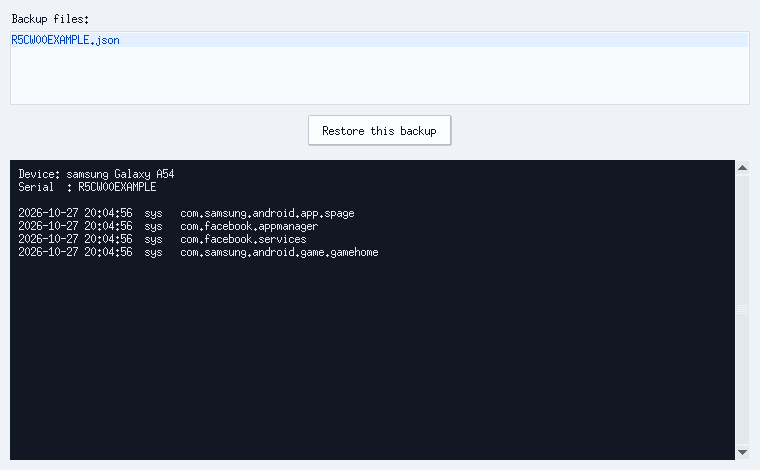
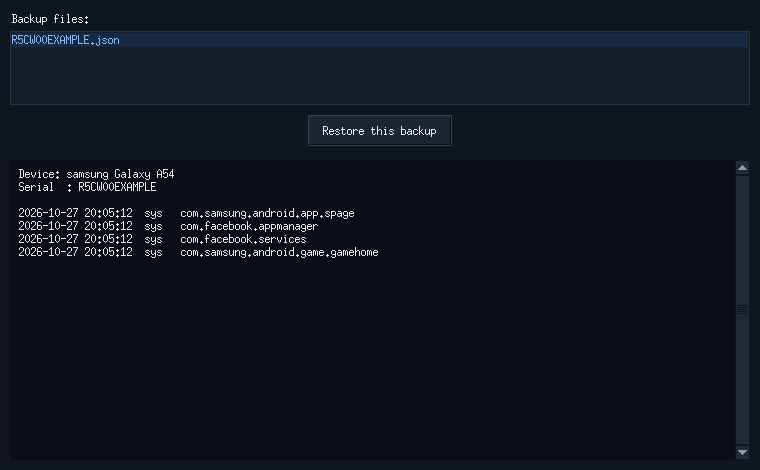
One click puts it all back
The backup manager reinstalls what you removed.